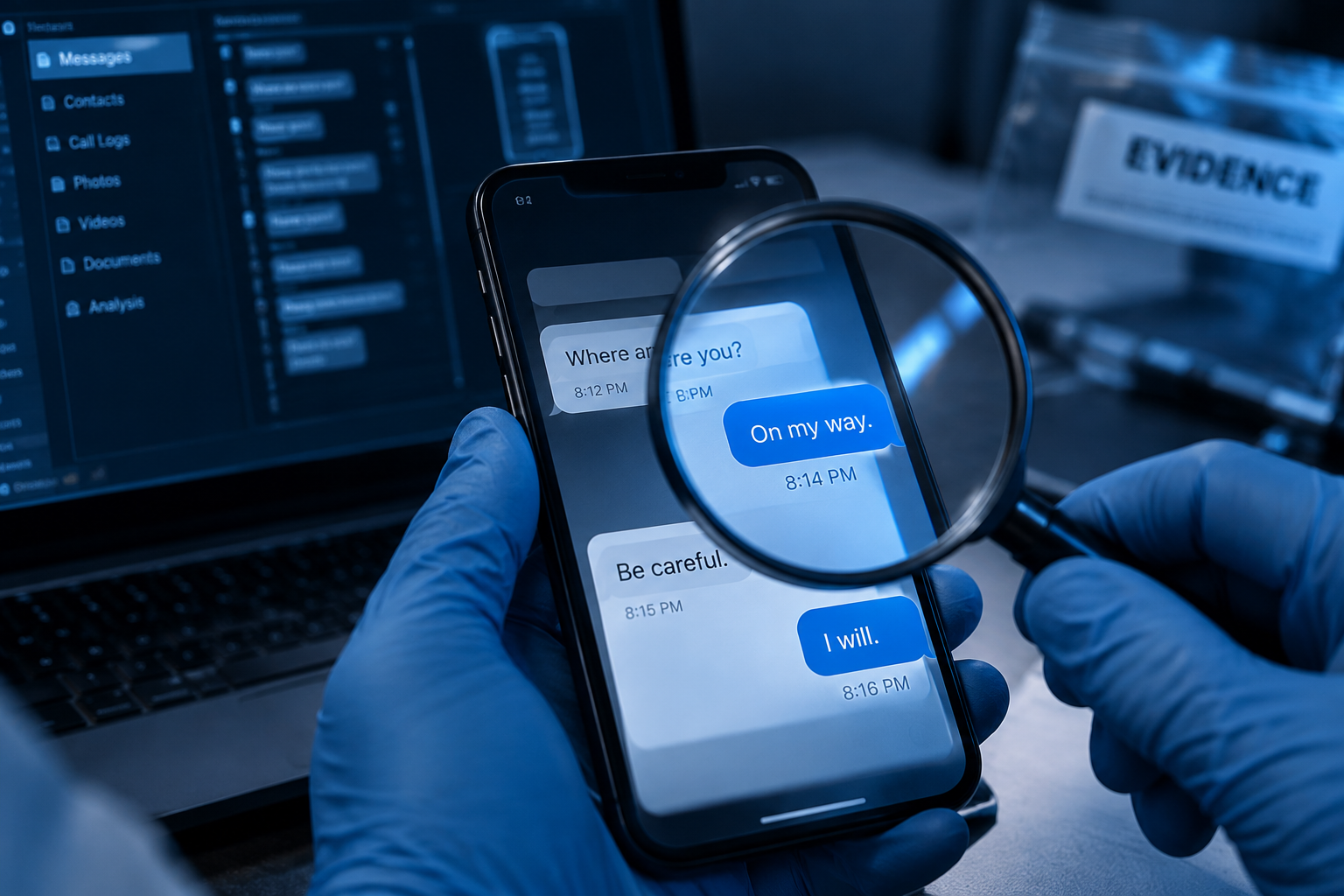

When something does not look right, the first instinct is often to investigate. But opening files, restarting a device, deleting suspicious content or installing tools can alter valuable digital evidence, sometimes before a forensic investigation even begins. Before looking for answers, preserve the evidence first.
What is digital evidence?
Digital evidence is any electronic information that helps establish what actually happened.
It may sit on a laptop, a mobile phone, a server or a USB drive; in email, cloud services or messaging applications; in firewall records or on CCTV.
And it is rarely just the files. Much of the story is told by quieter things: timestamps, browser activity, system logs, metadata, deleted data, application artefacts and traces of user activity. Those are also the first details to disappear.
What to do first
If you think you have an incident on your hands:
1. Identify what is affected. Note the devices, accounts, users and services that may be involved.
2. Write down what you saw. When it was discovered, who found it, what they noticed, and anything already done — including the well-meant actions. Honest notes are worth far more later than a tidy account.
3. Take the device out of use. Every minute a machine stays in service, it writes new data over old.
4. Preserve the logs. Firewall, email, VPN, cloud, authentication and security logs often hold the answer, and many are kept for only days or weeks before they roll over.
5. Record who handled what. Who collected the device, who held it, where it was stored and who passed it on. If the matter ever reaches a disciplinary panel, a regulator or a court, that record is what allows the evidence to stand.
6. Ask for advice early. A short conversation with a forensic specialist before you act costs very little. Reconstructing what was lost afterwards costs a great deal.
What to avoid
Most of the harm we see is not malicious. It is done under pressure, with the best of intentions.
● Do not search the device yourself. Opening files, emails, applications or browser history alters forensic artefacts.
● Do not delete anything, however suspicious it looks. What appears malicious or irrelevant may turn out to be the evidence that matters.
● Do not install recovery or forensic software on the device. New software writes new data and modifies the system.
● Do not assume copying the files is enough. An ordinary copy gives you the files. A forensic acquisition gives you the deleted data, the metadata and the system artefacts that explain how those files got there.
● And please, do not restart, reset or reformat. This is the most common way that good evidence is lost for good.
Preservation versus forensic acquisition
The two are easily confused, and the difference matters.
Preservation is protecting what you have — keeping potential evidence from being altered, destroyed or lost.
Forensic acquisition is the controlled collection of that evidence, using the right tools and a documented procedure, so that it can be examined and relied upon.
Put simply: securing a device is not the same as investigating it.
A sound forensic process runs:
Identify → Secure → Preserve → Acquire → Analyse → Report
When is forensics the right call?
When you need to establish what happened, when it happened, how it happened, and who or what was involved — and when the answer may have to satisfy somebody other than yourself.
In practice, that usually means suspected data leakage, insider threats, unauthorised access, ransomware, malware, Business Email Compromise (BEC), fraud, theft of intellectual property, or the deliberate deletion of records.
Preserve first. Investigate second.
After an incident, everybody wants answers by the end of the day. The pressure is understandable — but haste is precisely what turns a provable case into an inconclusive one.
Digital evidence will usually tell you what happened. It can only do so if it survives the first few hours.
If your organisation is facing a suspected cyber incident, a data leak or an internal investigation, SIAGA Informatics’ Digital Forensics and Incident Response team can help — from preservation and forensic acquisition through to analysis, reporting and, where it is needed, expert testimony.
Talk to us before the evidence moves.